7. Newsletter - Listmonk
How it's work in my website:
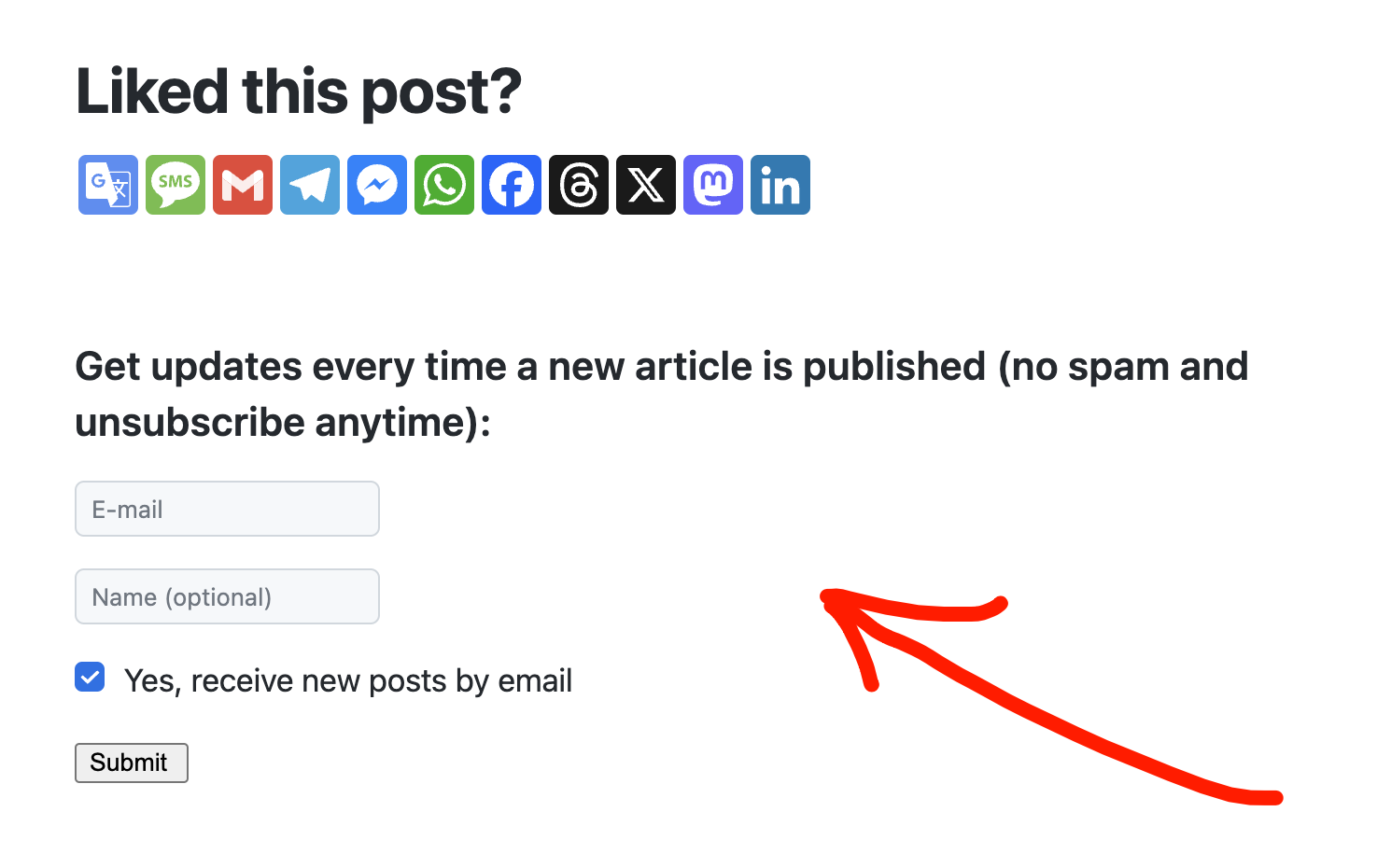
Source:
Step 1: Create PikaPods Account
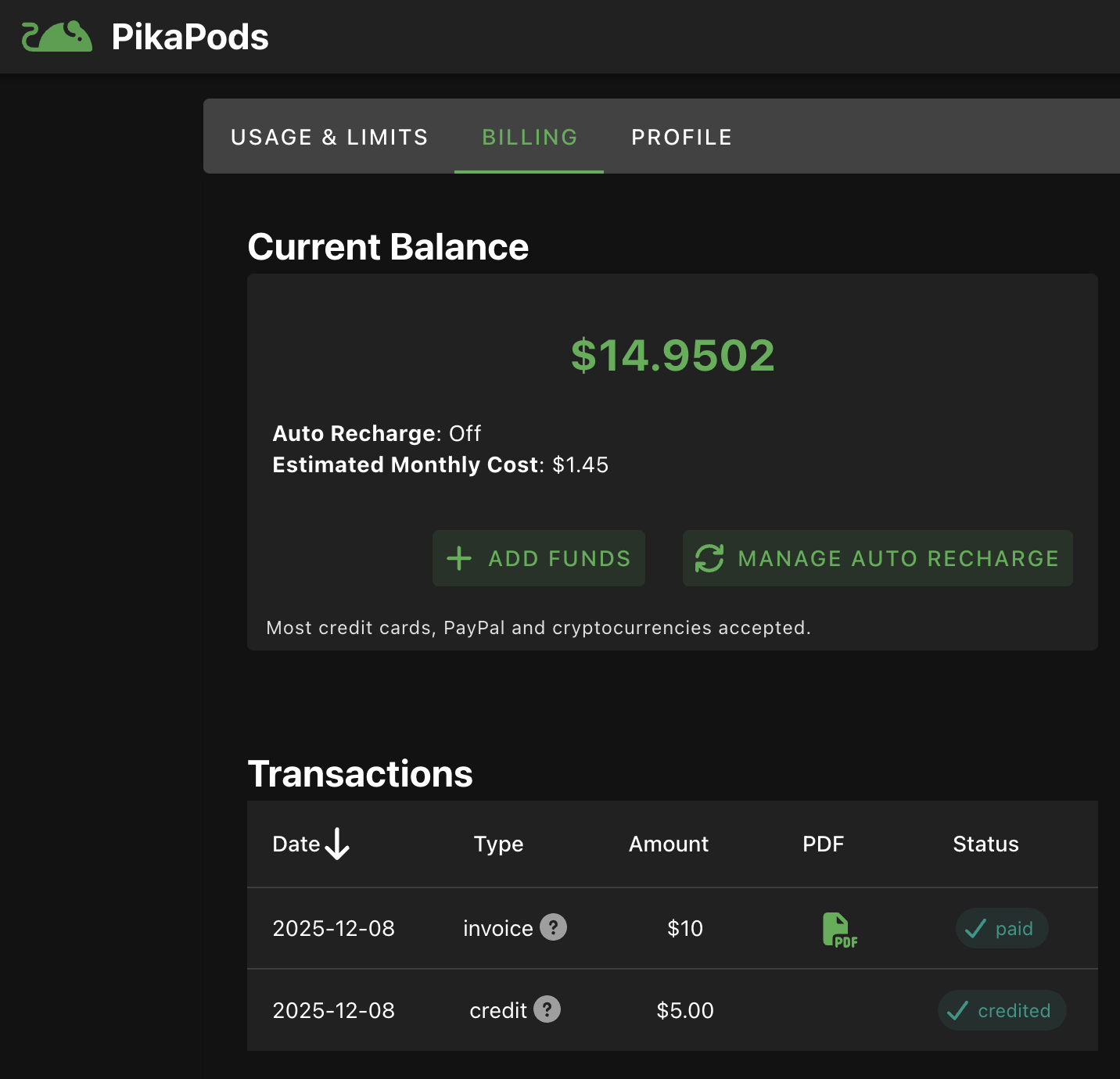
Step 2: TopUp 10 $ to account:
https://www.pikapods.com/account?tab=billing
Monthly cost +- 1.5 $
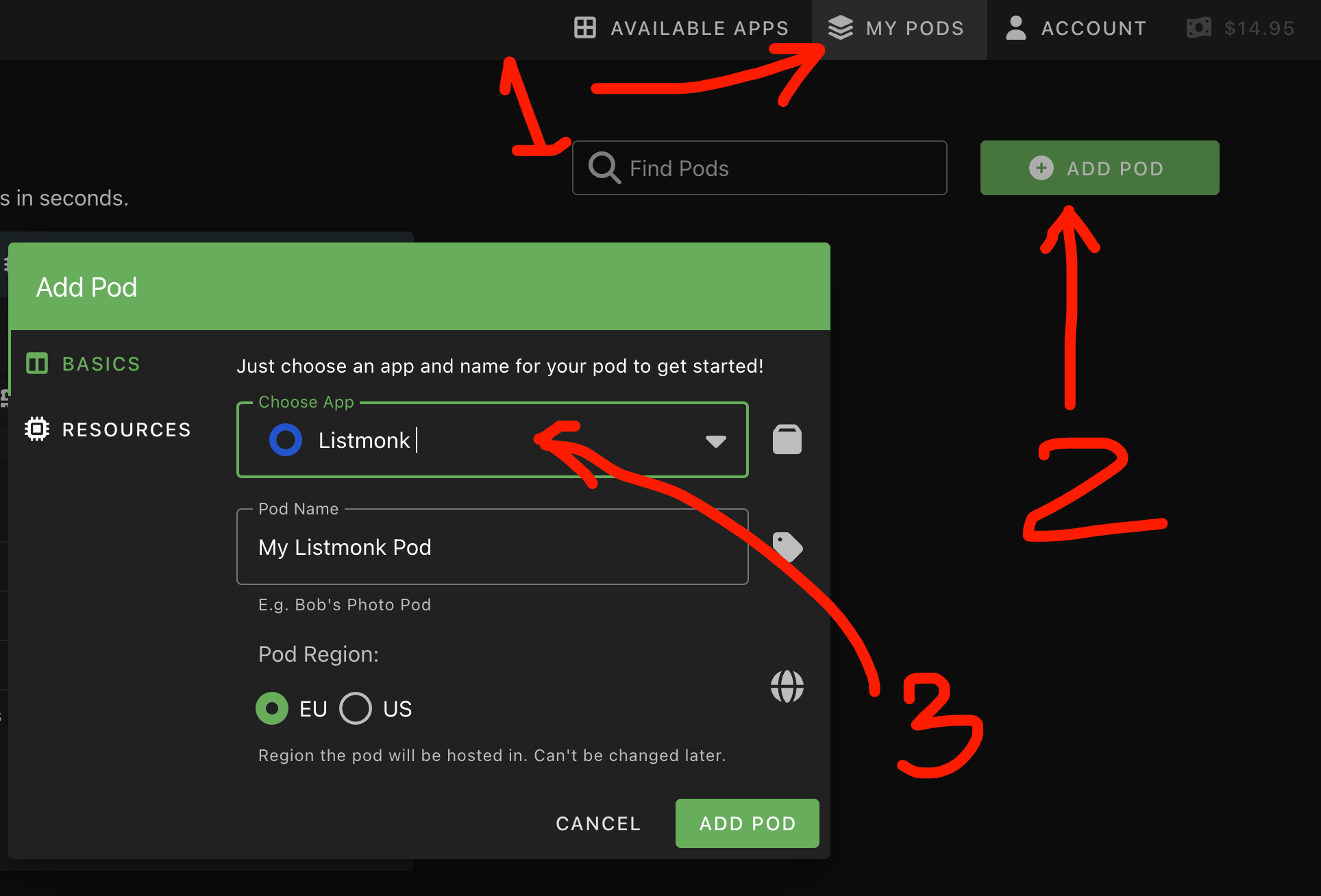
Step 3: Deploy Listmonk to PikaPods
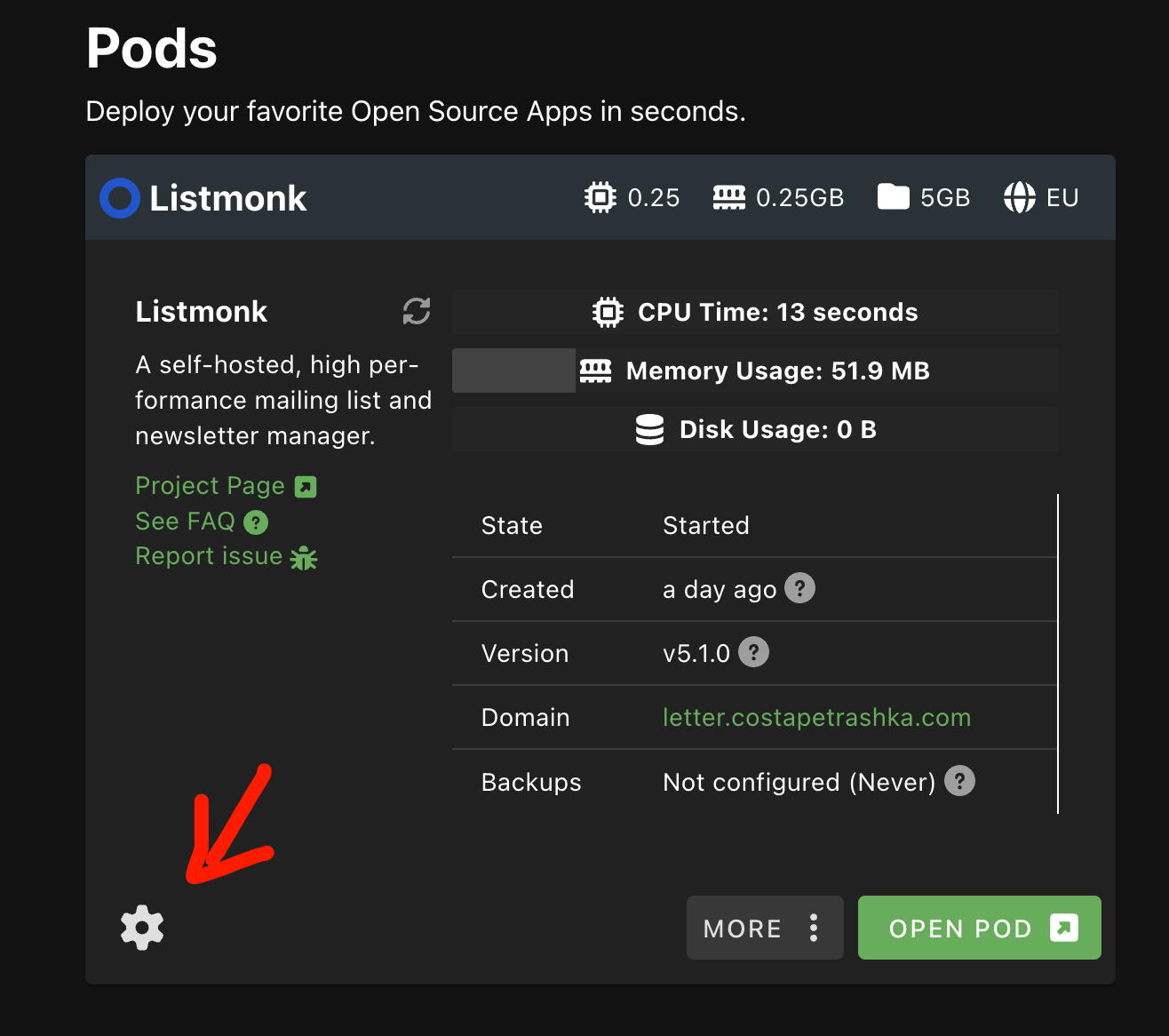
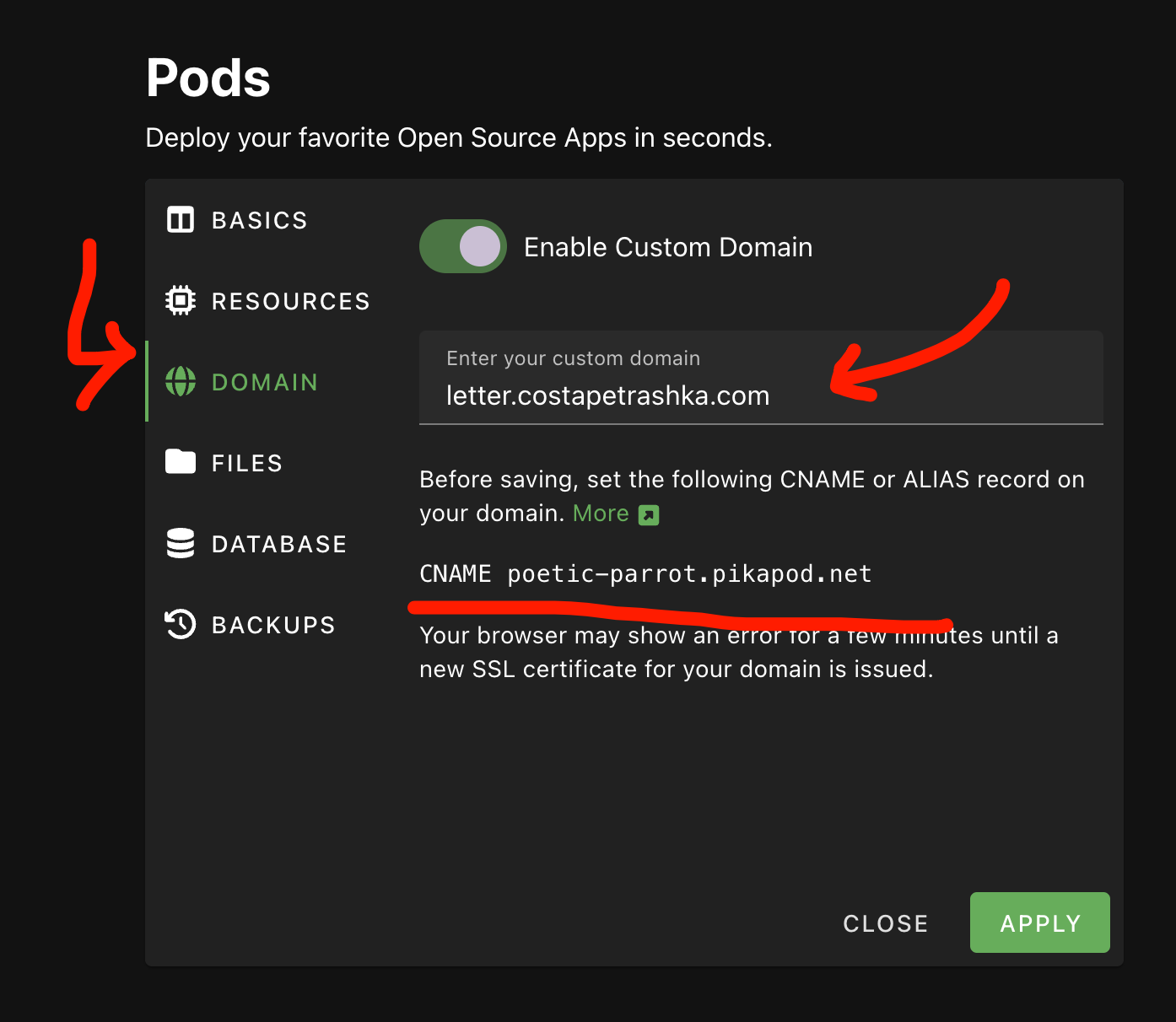
Step 4: Setup your own Domain
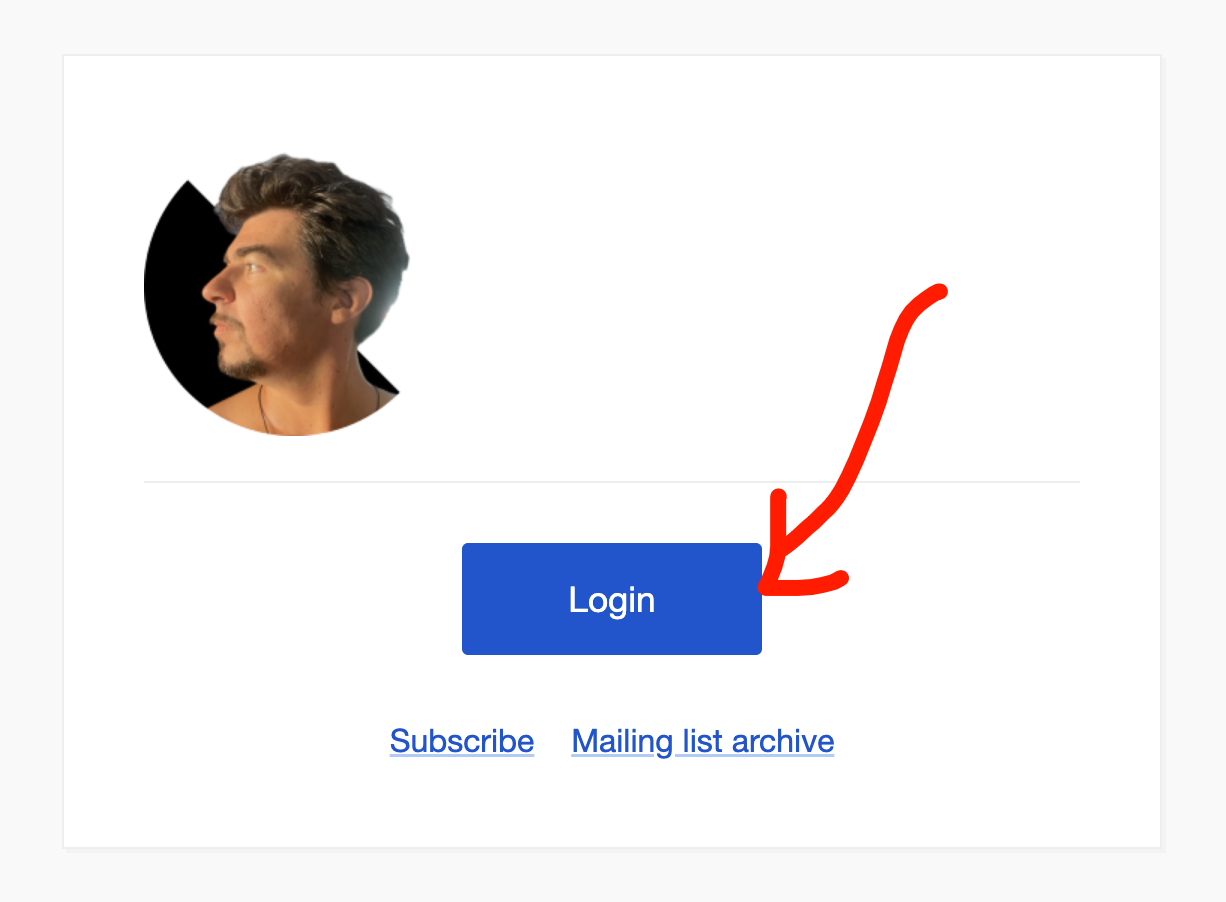
Step 5: First login — will create your ownership account
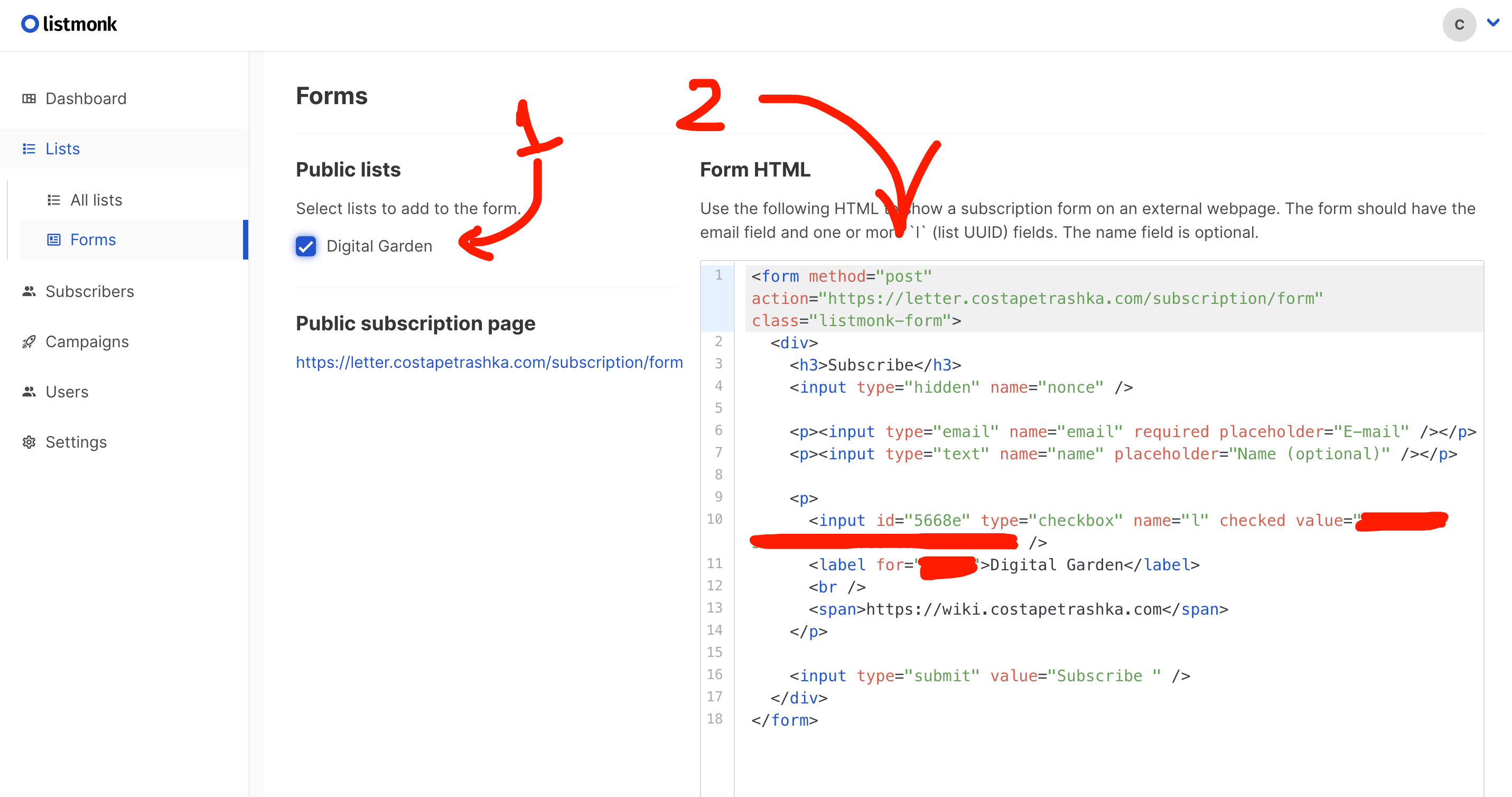
Step 6: Create list and form
- Create a public list where you want to collect emails.
- Select this list in Form and copy HTML code.
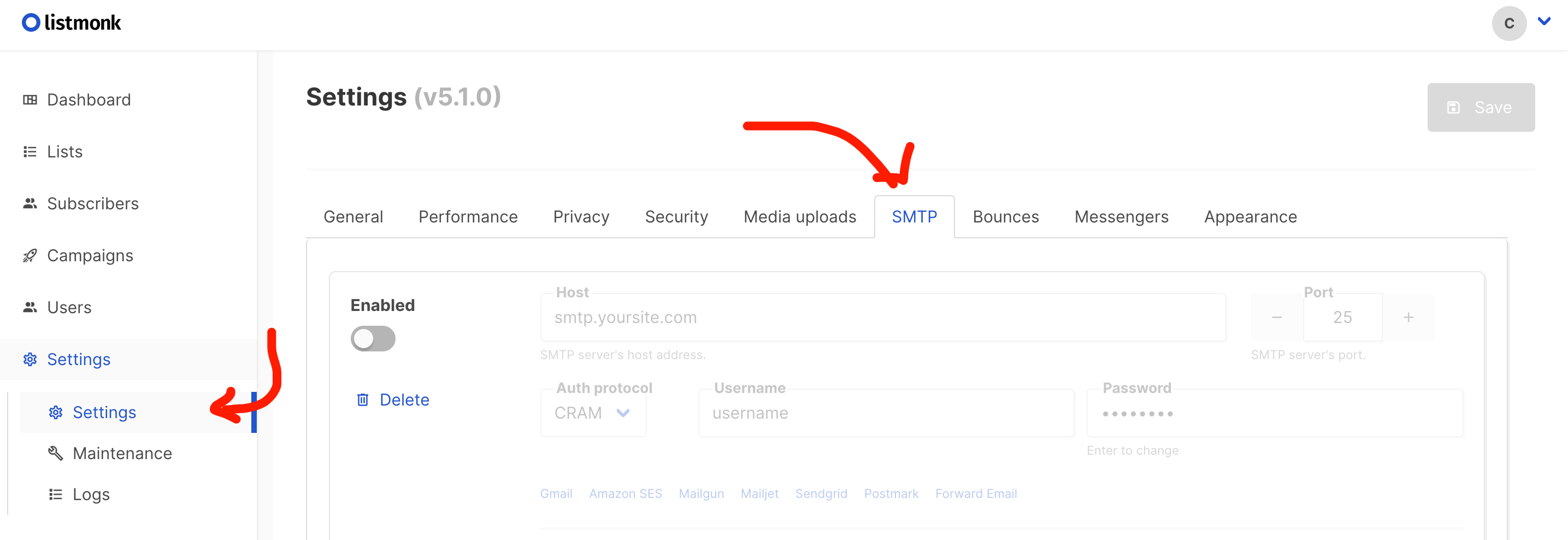
Step 7: Setup your email settings to send lists